Airport & transport boundaries
Plan sector coverage, permitted-flight review and command-room handoff around operational zones.

Combine RF detection, radar tracking, EO/IR confirmation and directional or omni-directional RF jammers in one layered site-protection workflow.

An integrated C-UAS defense system combines multi-source detection, target identification, continuous tracking, visual confirmation, command-and-control software and RF countermeasure equipment. Fixed RF sensors provide spectrum awareness, protocol identification and direction finding. Low-altitude radar adds range, bearing, altitude, speed and continuous tracks, while EO/IR provides visible and thermal imagery. The command platform correlates these inputs, evaluates the target track and links the confirmed event to a Directional RF Jammer for sector-focused coverage or an Omni-directional RF Jammer for 360-degree site coverage. Final design depends on the protected boundary, approach sectors, buildings, terrain, electromagnetic environment, mounting positions, nearby communications, staffing and system interfaces. Published ranges are reference conditions; site coverage should be confirmed through engineering design and field testing.
Plan sector coverage, permitted-flight review and command-room handoff around operational zones.
Combine perimeter awareness with traceable alert review around production and logistics areas.
Deploy time-bound monitoring with field-team coordination and a defined escalation path.
Correlate identity, track and visual evidence before the responsible team makes a decision.
Build the sensor and command architecture first, then select the directional or omni-directional jammer geometry required by the site.
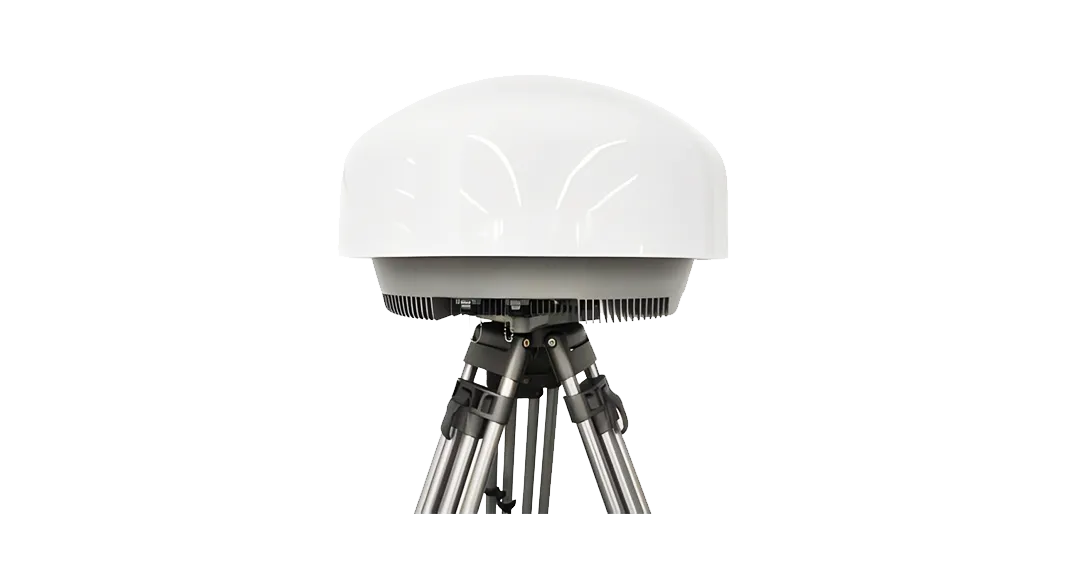
A fixed passive RF layer for signal awareness, supported identification, direction review and event handoff.
A movement-tracking layer for early warning, trajectory review and cueing other sensors.
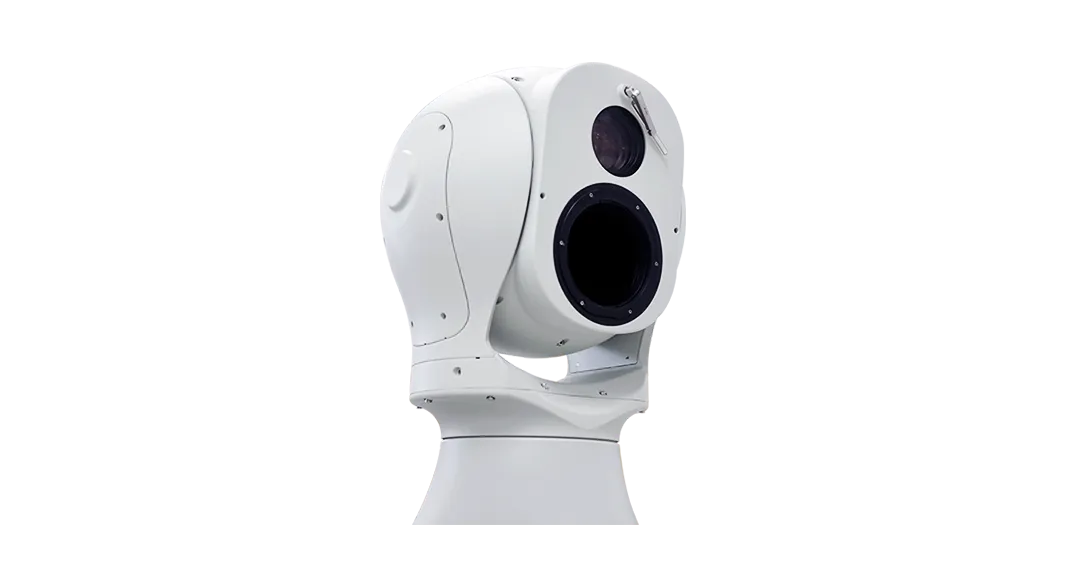
Visible-light and thermal imaging for operator confirmation, tracking and video evidence.
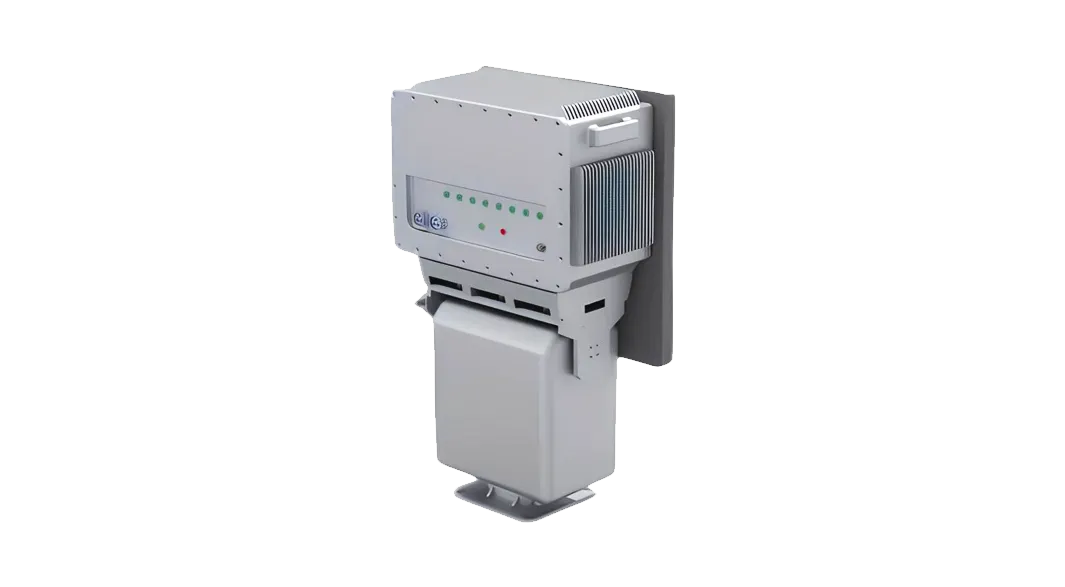
A fixed-site directional RF jammer for focused coverage of selected approach sectors.
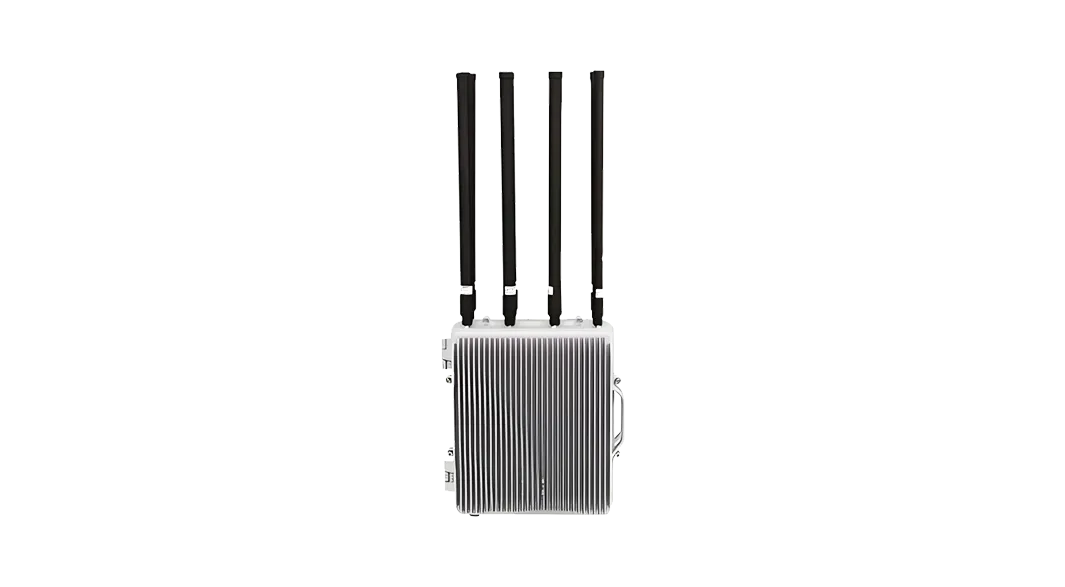
A fixed-site omni-directional RF jammer for 360-degree coverage around the protected area.
Compare evidence, site role and operating limits before selecting equipment.
| Selection factor | RF detection | Radar | EO / IR | Directional jammer | Omni jammer |
|---|---|---|---|---|---|
| Primary role | Signal awareness, identity and direction clues | Movement, range, bearing and track | Visual and thermal confirmation | Sector-focused RF suppression | 360-degree RF suppression |
| Workflow stage | Detection and identification | Detection and tracking | Confirmation | Directional RF countermeasure | Omni-directional RF countermeasure |
| Key design input | RF noise, waveform coverage and quiet targets | Clutter, terrain, mounting and target characteristics | Line of sight, weather and target presentation | Sector geometry, aiming and nearby communications | Area geometry, mounting and nearby communications |
| Typical format | Fixed-site passive sensor | Fixed or vehicle-supported sensor | Fixed confirmation layer | Fixed directional unit | Fixed omni-directional unit |
RF, radar and EO/IR build a correlated target track before the command platform links the selected RF jammer.
RF and radar create an observation with time, signal, range, bearing and available track data.
The platform compares RF clues, movement, map context and permitted-flight information while preserving uncertainty.
EO/IR cueing and operator review add visual context, status and notes before escalation.
The command platform links the confirmed target to the selected directional or omni-directional RF jammer and records device status, commands and outcomes.
Define escalation contacts, decision authority, site procedures and record-retention requirements before commissioning.
The protection workflow stays consistent while sensor placement and handoff rules change by site.
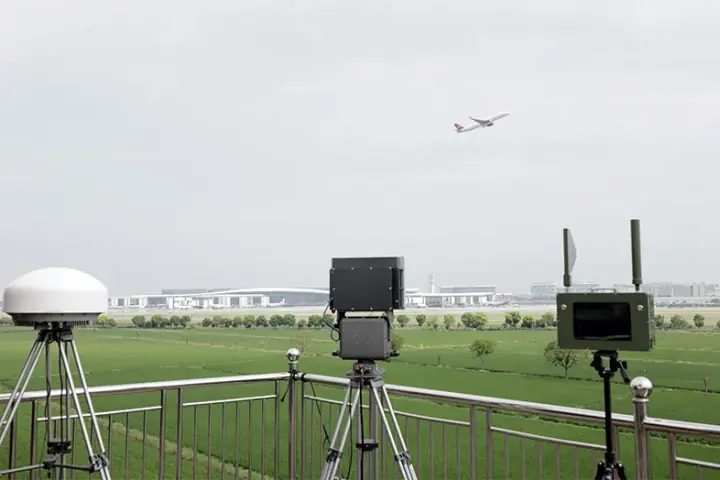
Fixed RF, radar and EO/IR layers cover approach sectors and link confirmed tracks to directional or omni-directional RF jammers.

A continuous monitoring layout supports production areas, logistics routes and key perimeter sectors.
No. A complete system combines RF detection, radar tracking, EO/IR confirmation, command-and-control software and directional or omni-directional RF jammers selected for the site.
No. Boundaries, approach sectors, terrain, buildings, RF conditions, mounting and operator procedures change the useful design.
The platform maintains the correlated track, displays sensor and device status, links the configured RF countermeasure equipment and records the complete event.
Provide a site map, protected sectors, normal flight activity, operating hours, mounting options, power and network limits, command interfaces and the required response mode.
Tell us the equipment, application or site you are reviewing. Our team can provide product information, technical documents, pricing and configuration support.
Tell us the equipment, application or site you are reviewing. Our team can provide product information, technical documents, pricing and configuration support.